

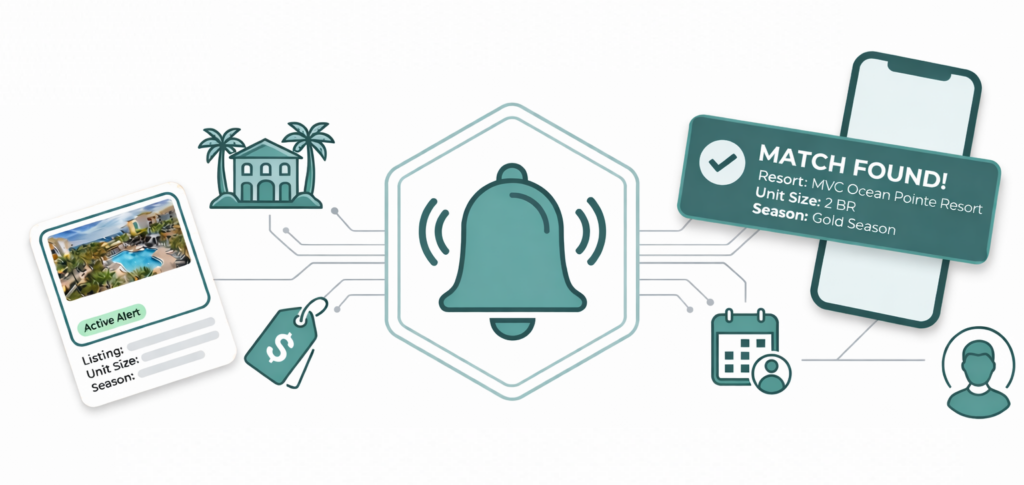
The timeshare resale and rental market can move at lightning speed. Highly sought-after, or competitively-priced, listings can sometimes be sold the same day they are listed.
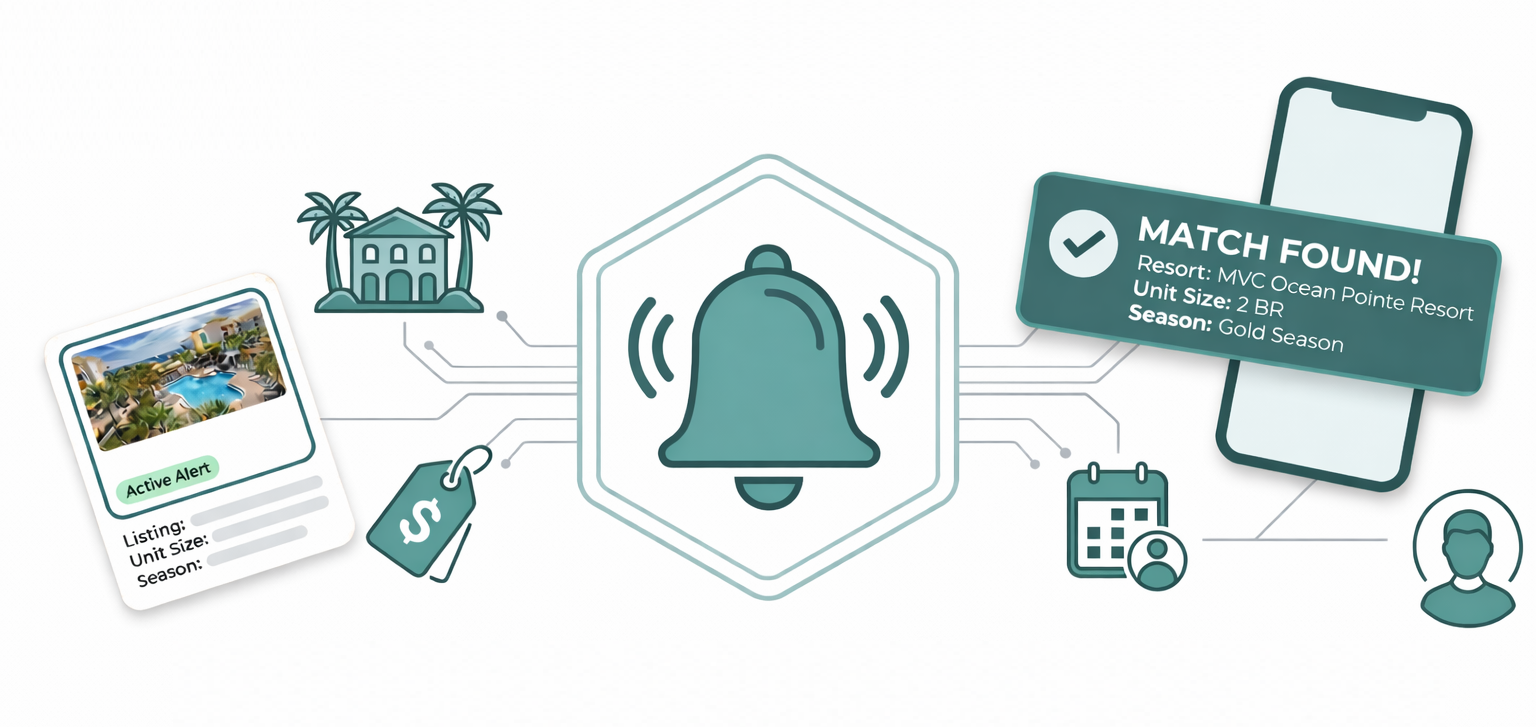
That’s why we’re excited to announce the launch of our Advanced Listing Alert System, a cutting-edge tool designed to do the heavy lifting for you. Acting as your 24/7 personal broker, this system ensures you never miss out on the perfect property.
Let’s dive into what makes this tool the smartest, most user-friendly solution in the industry and how you can set up your first alert today.
Why the Advanced Listing Alert System is a Game-Changer
1. Instant Alerts for New Resale and Rental Listings
The resale and rental market waits for no one. Our Advanced Listing Alert System works tirelessly to notify you the moment a matching property hits our database. Whether you’re looking for a Marriott Vacation Club resale or a Vistana rental, this tool ensures you’re always first in line.
2. Smart Resort Search
Start typing the name of a brand or resort, and watch the system work its magic. It intelligently auto-suggests exact matches, even showing whether there’s active inventory right in the dropdown. No more guesswork, just precision.
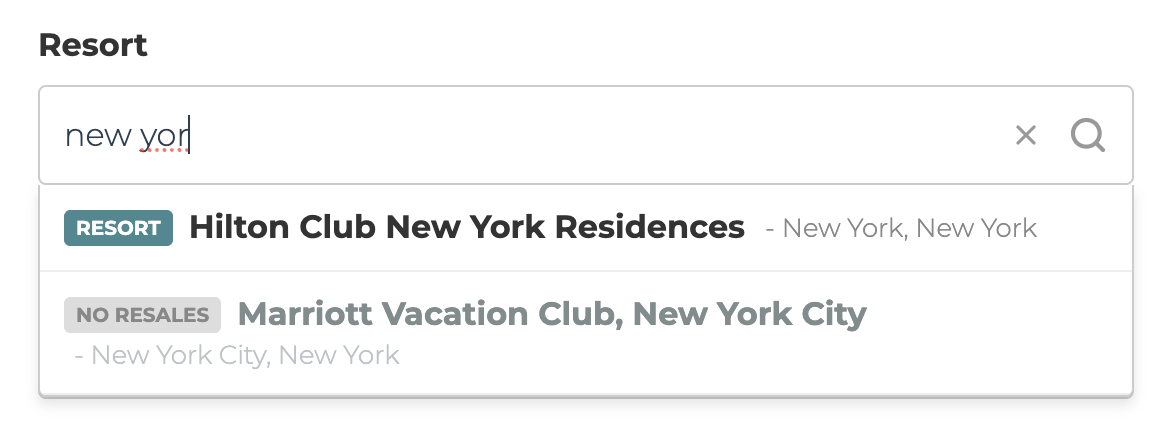
3. Dynamic Interface & Brand Logic
This is truly the smartest resale and rental search form in the industry. The interface adapts in real-time based on your selections:
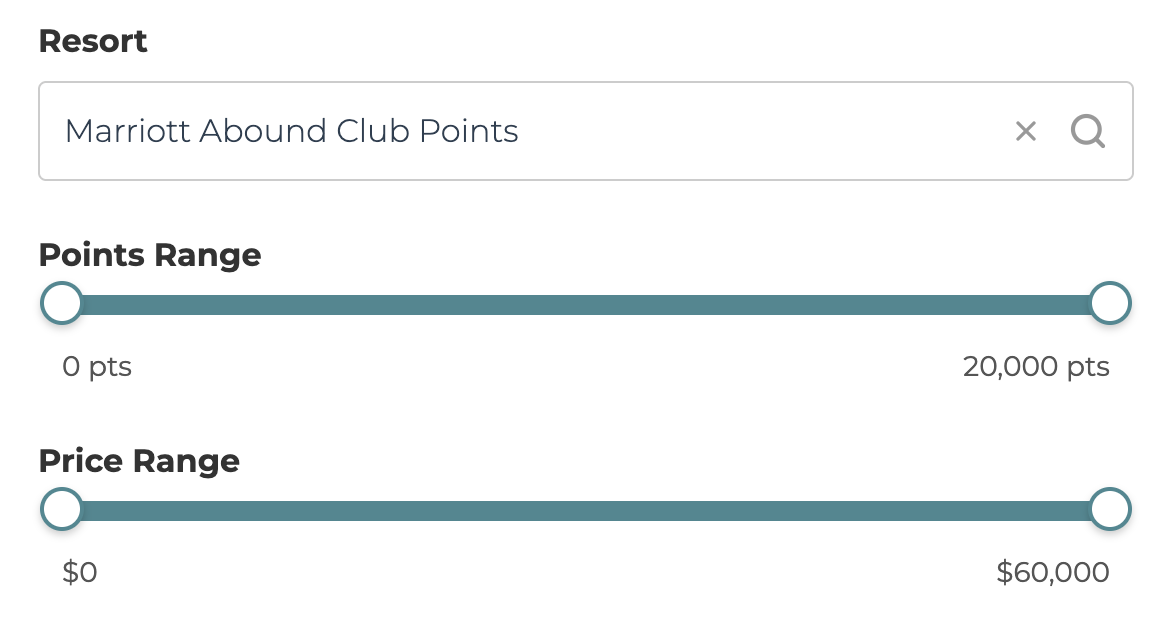
- Points-Based Ownerships: If you select a points-based resort like Marriott Vacation Club Abound Club Points, a points slider automatically appears, allowing you to set your desired range.
- Weeks-Based Ownerships: For weeks-based timeshare products like Marriott Weeks, the points slider disappears, keeping the form clean and intuitive.
- Vistana Logic: The system knows whether a Vistana resort is “Mandatory” or “Voluntary” and adjusts accordingly. For example, it will only show the points slider for resorts where StarOptions transfer is allowed on the resale market.
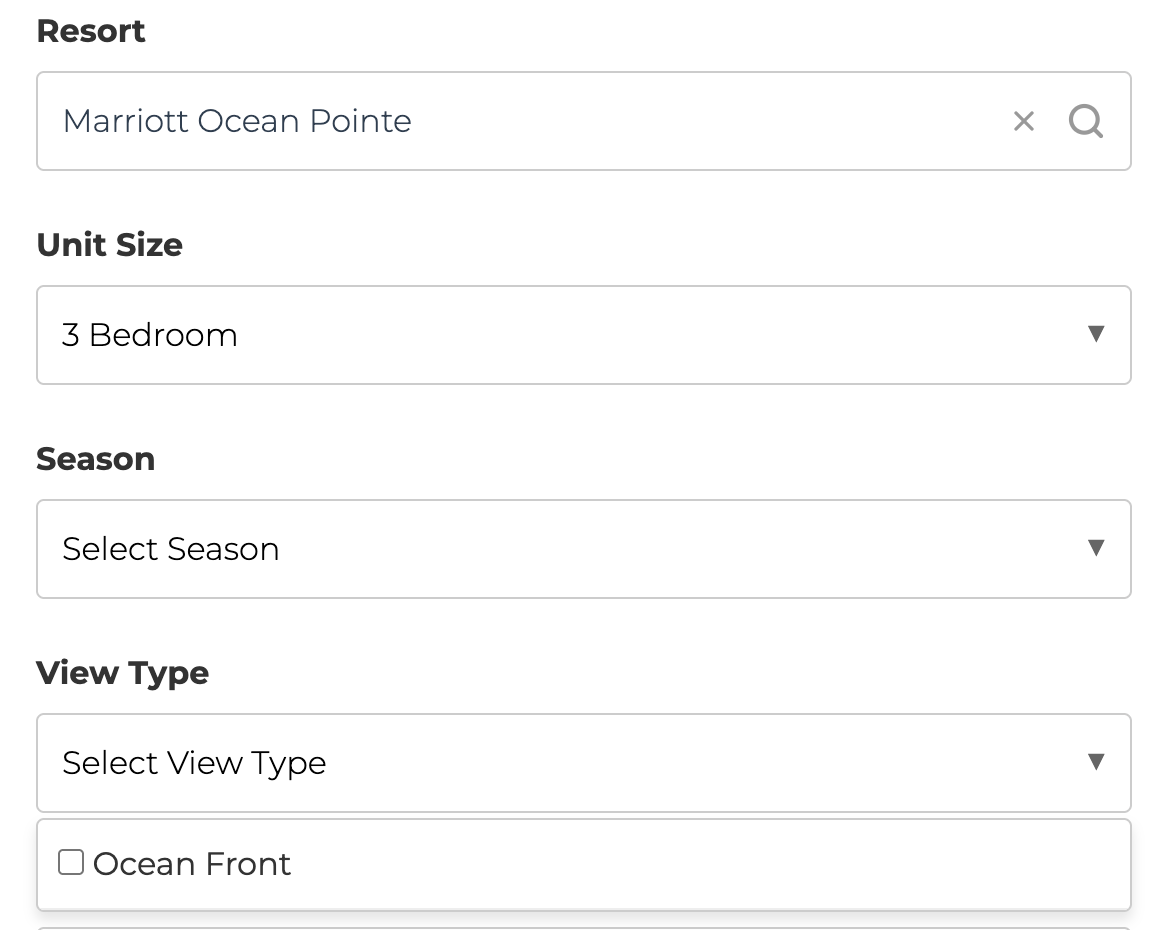
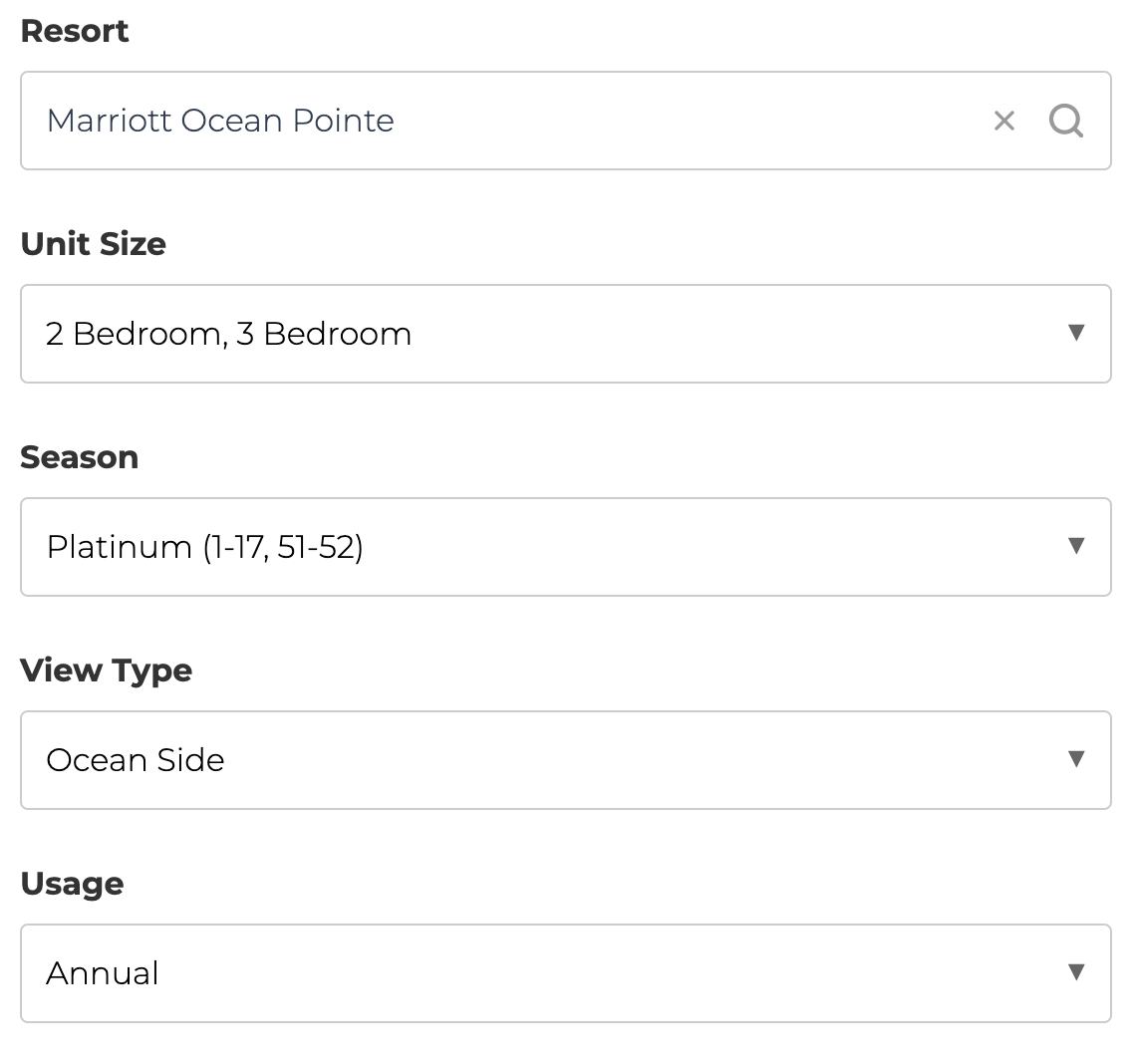
- Dynamic Dropdowns: Fields like Unit Size, View Type, and Season update dynamically, ensuring you only see options that actually exist at your selected resort.
- Example: When looking for resale listings at Marriott’s Ocean Pointe, after selecting the 3 bedroom unit size, the view types allowed are narrowed to only offer Ocean Front as an option. With other unit sizes at this resort, users can select either an Ocean Side or Ocean Front view, but Marriott never made an Ocean Side 3 bedroom unit at Ocean Pointe.
4. Database Evolution
Our proprietary database powers the dynamic fields, ensuring accuracy and relevance. Every Marriott Vacation Club resort is already fully configured, and we’re actively mapping additional resorts outside of Marriott. This means the tool will only get smarter and more precise over time.
5. Resale vs. Rental Modes
The form transforms based on your goal:
- For Resales: Filter by Season, Usage (Annual, Odd, Even), and specific Unit/View types.
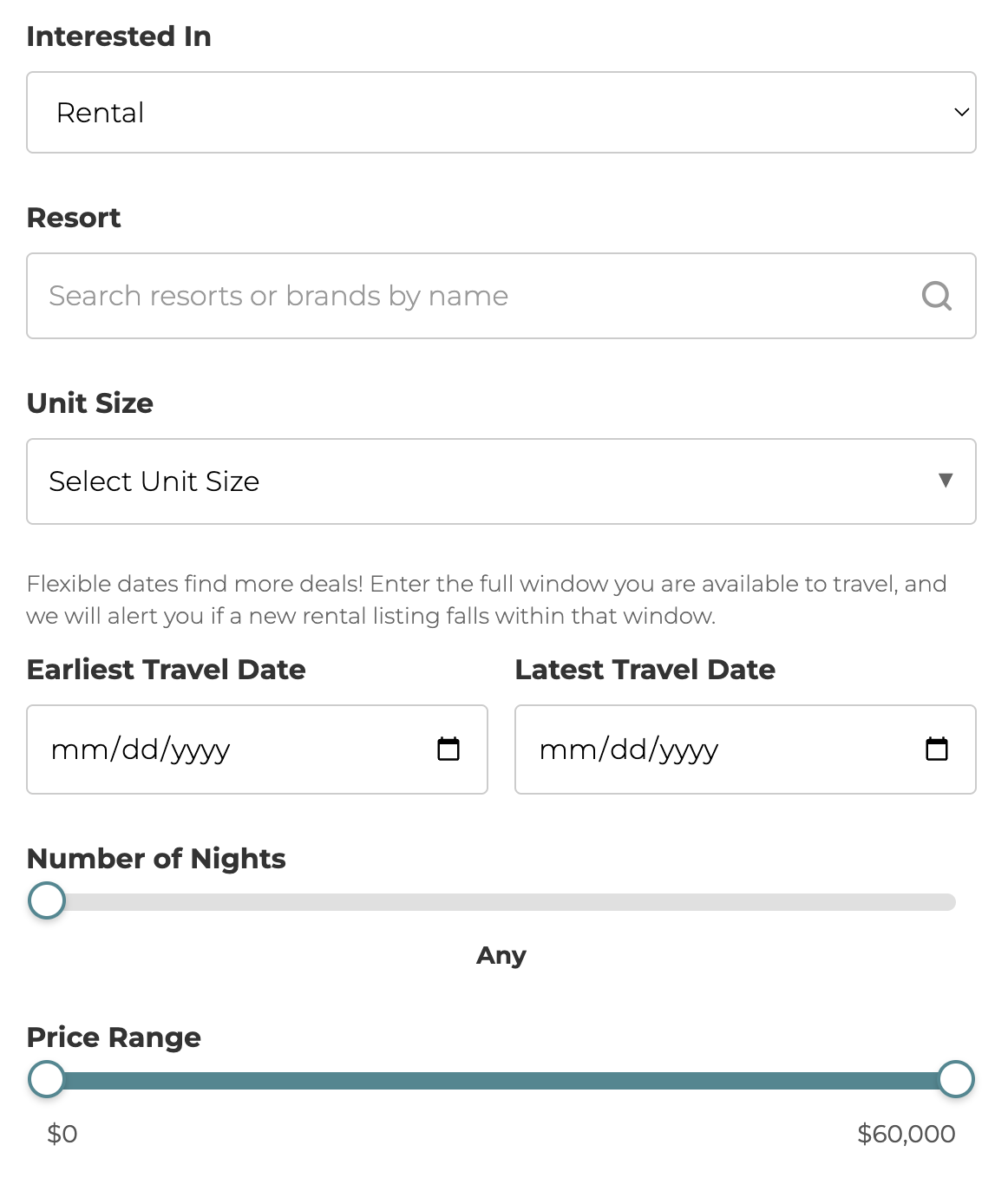
- For Rentals: The Season and Usage fields disappear, replaced by Travel Dates fields and a slider to select the exact number of nights you want to stay.
6. Budget Guardrails
Set your price range with intuitive sliders, ensuring you only see properties within your budget. Whether you’re looking for a bargain or a luxury experience, this feature keeps your search focused.

7. Instant Digest & Memory Bank
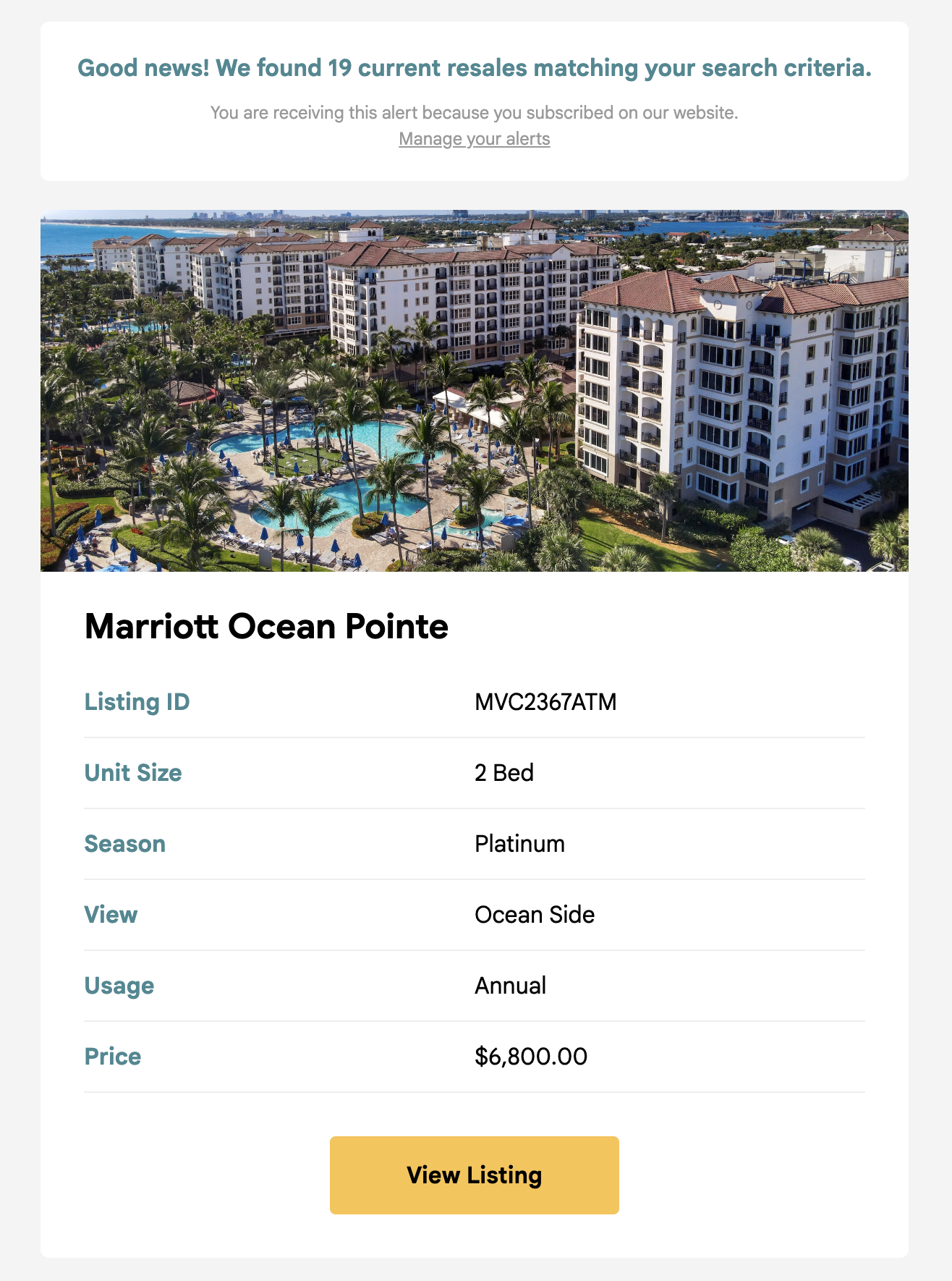
Once you click “Create Alert,” the system immediately scans current inventory and sends a beautifully formatted Digest Email with any matches. From that point forward, the Memory Bank monitors new listings and sends instant alerts the moment a match goes live. Plus, it never sends duplicate emails for the same listing.
8. No Account Needed
Managing your alerts is effortless. Every email includes a secure, one-click link to edit, pause, or delete your alerts, no passwords required.

How to Set Up Your First Alert
Setting up an alert is quick and easy. Follow these steps to get started:
Step 1: Visit the Listing Alerts Page
Visit the Listing Alerts page to begin.
Step 2: Enter Your Email Address
Provide your email address to receive alerts. Don’t worry, you can unsubscribe at any time.

Step 3: Choose Your Interest
Select whether you’re interested in Resales, Rentals, or both.

Step 4: Customize Your Search
- Resort: Start typing the name of your desired resort, and select from the intelligent dropdown.
- Unit Size, View Type, and Season: Choose from dynamically updated options based on your resort selection.
- Points (If Applicable): Adjust the points slider for points-based ownerships.
- Flexible Travel Dates (Rentals Only): Enter your earliest and latest travel dates, and use the Nights Slider to specify your stay duration.
- Price Range: Set your minimum and maximum budget using the intuitive sliders.
Step 5: Create Your Alert
Click the “Create Alert” button, and you’re all set! The system will immediately scan for matches and send you a Digest Email with any current listings.

Visit the Listing Alerts page to get started.
Managing Your Alerts: Full Control at Your Fingertips
One of the standout features of the Advanced Listing Alert System is how easy it is to manage your alerts. Whether you want to edit your search criteria, or delete an alert entirely, you can do it all with just a few clicks, with no account or password required.
How to Manage Your Alerts
Every email you receive from the Advanced Listing Alert System includes a “Manage Your Alerts” link at the top. Clicking this link takes you directly to your personalized Manage Alerts Dashboard, where you can view all your active alerts and make changes instantly.
What You Can Do on the Manage Alerts Page
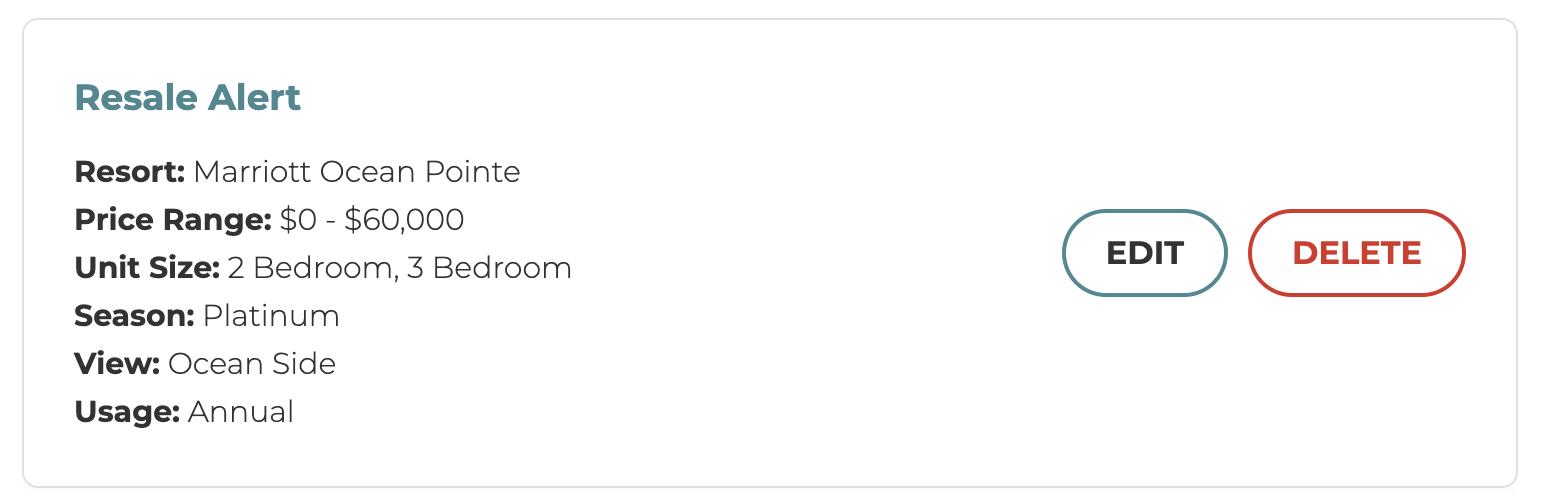
On the Manage Alerts Dashboard, you’ll see a list of all your active alerts, each displayed in a clean, easy-to-read card format. For each alert, you can:
- Edit: Update your search criteria, such as resort, price range, unit size, or travel dates.
- Delete: Remove the alert entirely if it’s no longer needed.
No Account Needed
Managing your alerts is hassle-free. There’s no need to remember a password or log into an account. The secure link in your email gives you direct access to your alerts, ensuring you stay in control without any extra steps.
With this level of flexibility, the Advanced Listing Alert System ensures that your notifications are always tailored to your needs. Whether you’re refining your search or deleting past alerts, managing your alerts has never been easier.
Ready to Find Your Perfect Timeshare?
The Advanced Listing Alert System is here to make your search effortless, precise, and lightning-fast. Whether you’re hunting for a dream vacation rental or a resale deal, this tool ensures you never miss an opportunity.